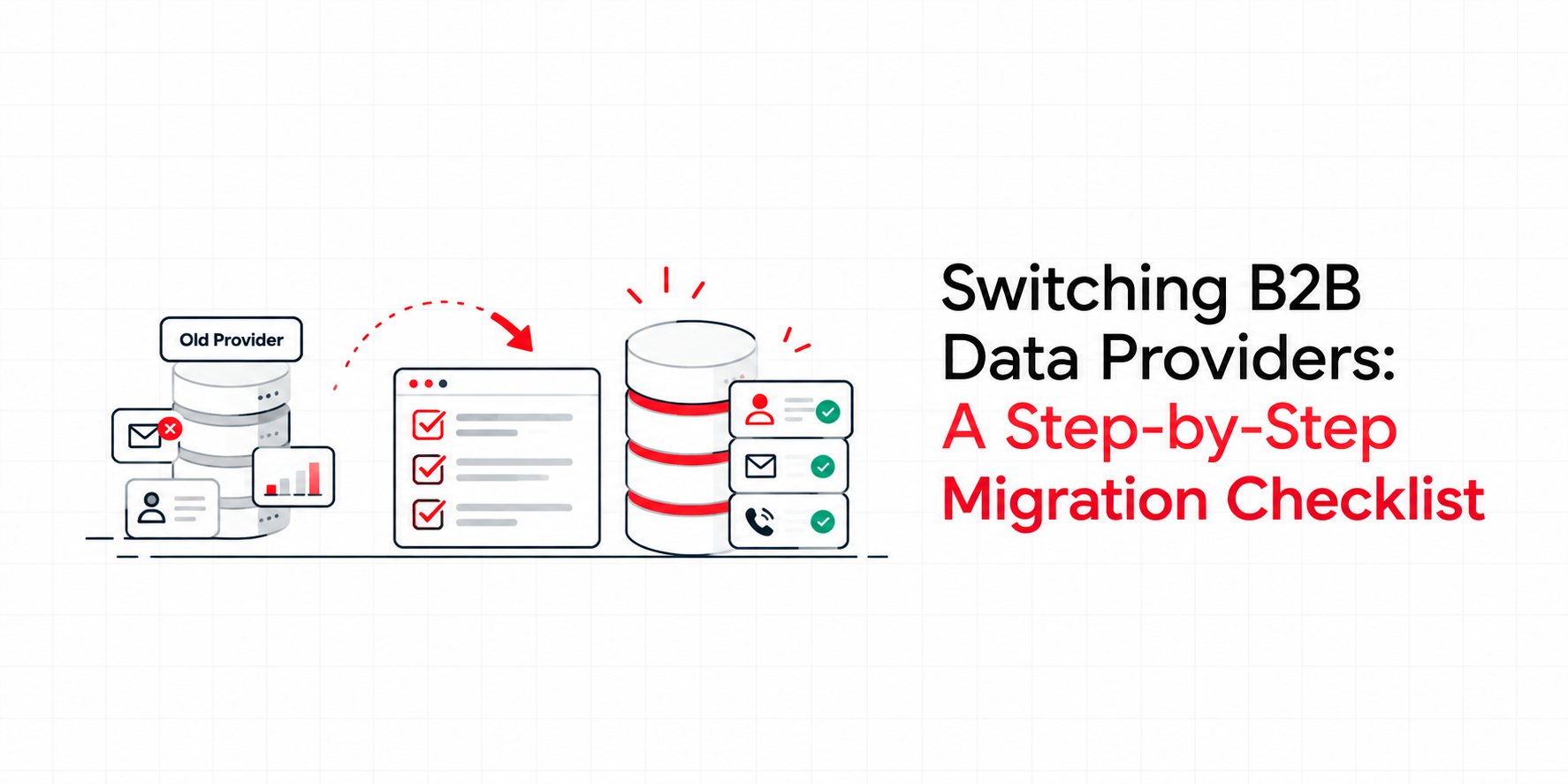
Changing your B2B data provider feels risky. Your CRM, outbound sequences, and reporting all depend on the data underneath them, so one bad migration can stall pipeline for weeks. But staying with a provider whose accuracy is slipping costs more over time. The answer is a structured migration, not a rushed one. Here's the checklist.
Signs It's Time to Switch
Before planning a migration, confirm the problem is the provider, not your process. Common warning signs include:
• Rising email bounce rates and falling deliverability
• Outdated job titles and contacts who left months ago
• Poor coverage in your target region or industry
• No clear GDPR or UK GDPR compliance documentation
• Limited integration with your CRM or sales tools
• Rigid datasets with no custom options
If three or more apply, a switch is likely overdue.
Step 1: Audit Your Current B2B Data
Start by measuring what you actually have. Export your CRM and check bounce rates, duplicate records, missing fields, and contacts untouched for 12 months or more. A CRM Data Health Check gives you a baseline, so you can prove the new provider genuinely improves on the old one.
Step 2: Define Your Requirements
Write down what your new B2B data provider must deliver. Typical requirements include:
• Target regions (for example, a B2B data provider UK teams can rely on)
• Industries, company sizes, and job functions
• Verified contact data with published accuracy rates
• Intent and technographic data layers
• CRM and marketing automation integration
This document becomes your scorecard for comparing vendors fairly.
Step 3: Evaluate Providers Against Your Scorecard
Don't judge by database size alone. A bigger B2B database isn't better if half the records are stale. Ask each vendor for a sample matched to your ICP, then test it. Check bounce rates on a small send and compare job titles against LinkedIn. Also ask how often records are re-verified, and how the data is sourced.
Step 4: Check GDPR and Compliance
This step is non negotiable for UK and EU teams. Your new provider should document lawful basis, consent sourcing, and opt out handling. Review their GDPR compliance approach before signing anything, because compliance risk transfers to you the moment you use their data.
Step 5: Plan the Data Migration
Map every field from your old data source to the new one, including job titles, industry codes, and custom properties. Decide how to handle duplicates, and which records to keep, refresh, or retire. Back up your full CRM before any import, and run a small pilot first, such as one segment or region, before touching the full database.
Step 6: Enrich and Refresh Existing Records
Switching providers doesn't mean abandoning every record you own. Run your existing contacts through data enrichment to update job titles, emails, phone numbers, and company details. This protects relationships already in your pipeline and avoids restarting from zero.
Step 7: Consider Custom Data Where Standard Lists Fall Short
If your market is narrow, a standard list may never fit properly. A custom data build mapped to your exact ICP often outperforms a generic export, and it stays aligned as your targeting evolves.
Step 8: Train Teams and Update Workflows
Tell sales, marketing, and RevOps what is changing and when. Update field mappings in sequences, scoring models, and dashboards. A migration fails quietly when reps keep using old fields that no longer sync.
Step 9: Monitor Results for 90 Days
Track bounce rate, reply rate, meetings booked, and cost per qualified lead against your Step 1 baseline. Review weekly in the first month, then monthly. If accuracy or deliverability lags, raise it with your provider quickly.
Conclusion
A good migration takes planning, but the payoff is cleaner data, better deliverability, and a pipeline built on contacts you can trust. The right partner makes every step easier.
That is where InFynd stands out as one of the best B2B data providers available. InFynd gives teams verified contact data across 240M+ profiles and 12M+ companies, backed by 95%+ accuracy and full GDPR and CCPA compliance. Beyond standard lists, InFynd offers custom data builds, CRM enrichment, and intent and technographic layers in one B2B data platform, so you can migrate with confidence and keep your data accurate long after the switch.
Explore InFynd's B2B Data Platform →
FAQ
1. How long does it take to switch B2B data providers?
A typical migration takes four to eight weeks, including audit, vendor evaluation, pilot testing, and CRM import. Smaller databases can move faster, while complex CRM setups may take longer.
2. Will I lose my existing CRM data when I switch?
No, provided you back up your CRM first and map fields carefully. Many teams also enrich existing records rather than replacing them, which preserves relationships and history.
3. How do I compare B2B data providers fairly?
Use a scorecard covering accuracy, coverage, compliance, integrations, and customization. Request a sample matched to your ICP and test bounce rates before committing.
4. Is switching providers a GDPR risk?
It can be if the new provider lacks documented consent sourcing. Always review their compliance approach before importing any data into your CRM.